
BT
Bluetooth
Wireless connection for compatible computers and mobile devices. Suitable for mobile and hybrid professionals.
Understand how Bluetooth, USB and QD headsets connect to computers, smartphones and desk phones.
The final cable or adapter must be validated against the exact device model and its connector pinout.
Wireless connection for compatible computers and mobile devices. Suitable for mobile and hybrid professionals.
Direct plug-and-play connection to desktops and laptops for softphones, CRM and meeting platforms.
A modular headset interface. Change the bottom cable to connect the same headset to a phone or computer.
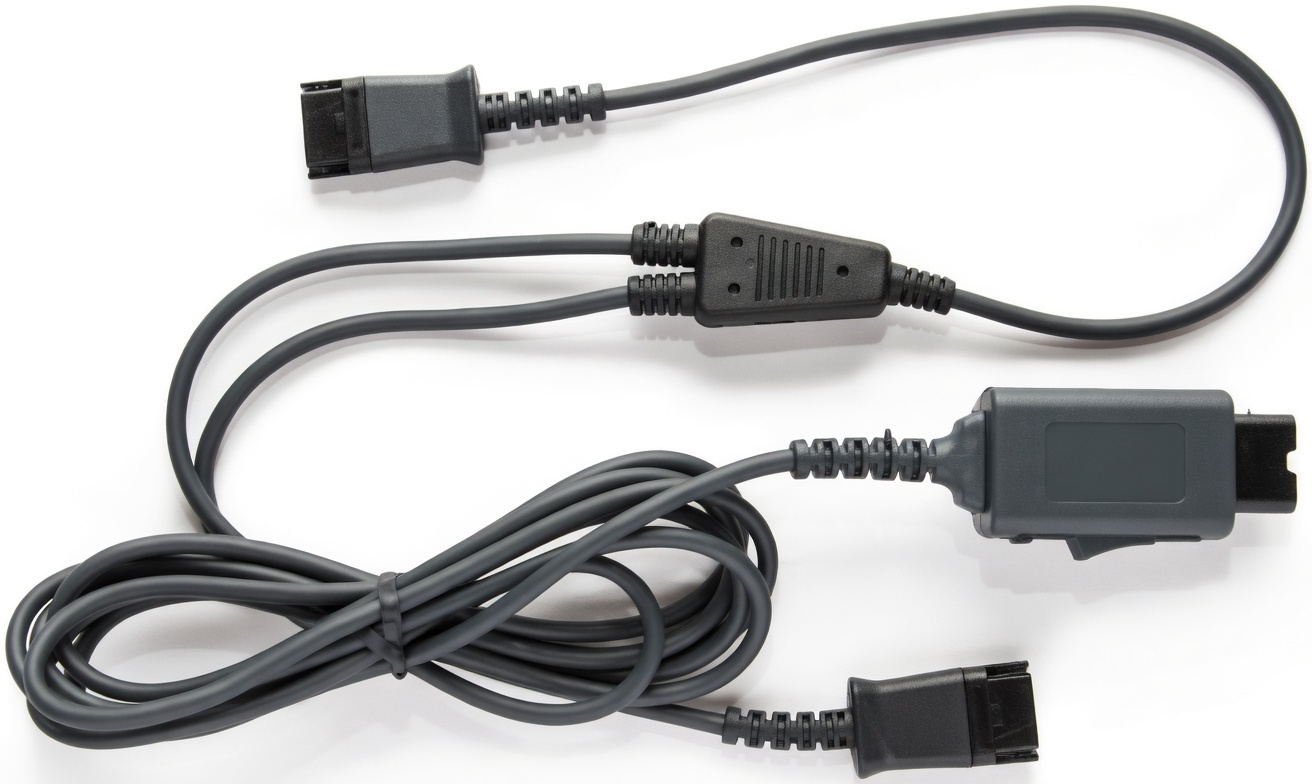
QD headset → validated telephone bottom cable → RJ9/RJ10/RJ11 headset port.
QD headset → CONTACT CAB7 USB or CONTACT CAB4 USB → USB port.
Two compatible headsets → splitter cable → call-handling device.
Use this overview as a starting point for configuration.
| Headset family | Device | Connection | Typical use |
|---|---|---|---|
| AIR | Laptop / smartphone | Bluetooth | Hybrid and mobile work |
| OFFICE | Desktop / laptop | USB-A or USB-C | Softphones and video meetings |
| CONTACT | Desk / IP phone | QD + phone cable | Contact center and dispatch |
| CONTACT | Desktop / laptop | QD + USB adapter | CRM and computer telephony |